
A tidier bottom, drawn bridges, a mouse that chooses
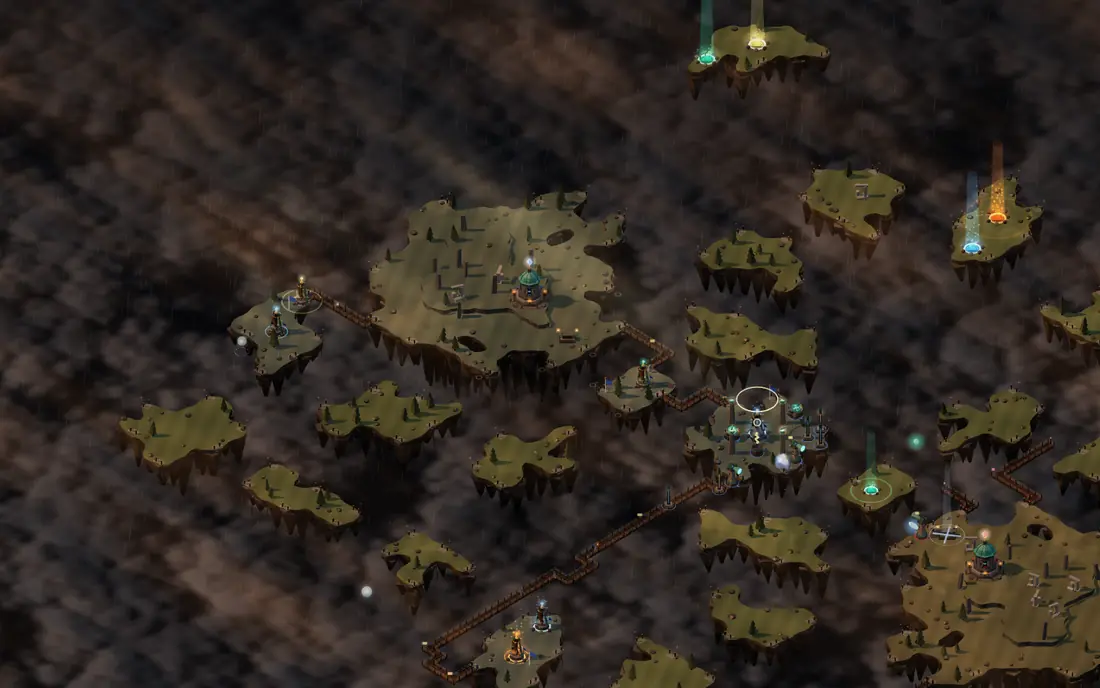
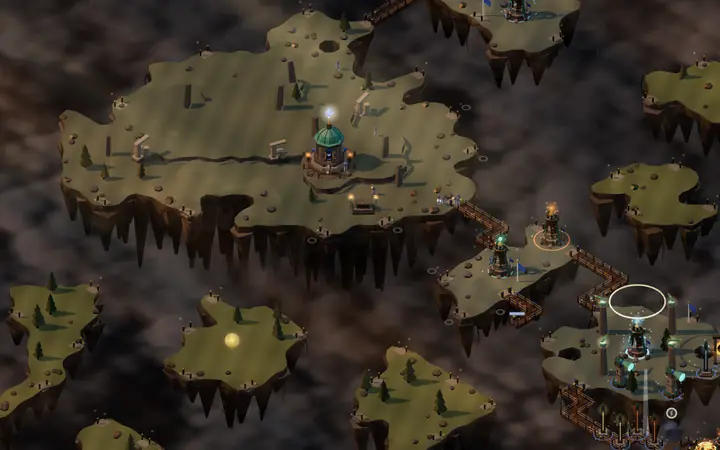
- On a phone the bridge bar goes down to the edge, beside the comments button: the empty strip under the bar is gone and you see more of the map.
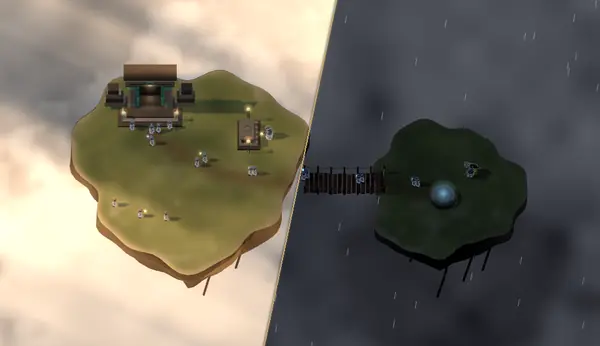
- The bridge pieces in the bar are drawn as real stretches of bridge, with wooden planks, ropes along the sides and posts at the corners, instead of brown squares.
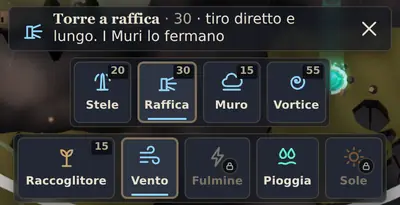
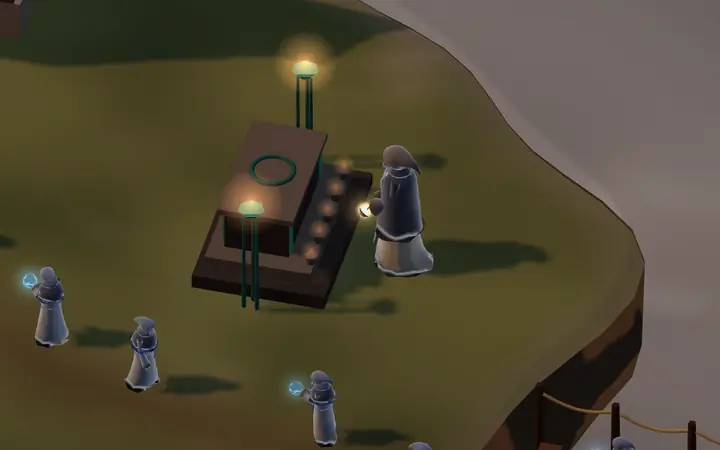
- All the icons of the bar, the drawer and the round buttons are painted in the same style as the bridge pieces: a dark outline, colour lit from above, counters on small brass plates. Towers are in warm stone, with their element's colour as a glow. Rotate has two arrows.
6 more changes
- Every command of the bar says its name: at once with the mouse over it, or by holding a finger on the phone. Cards with a Bestiary page have a small brass «i» that opens it: what it is, what it costs, what it is strong against and what beats it.
- On the computer, moving the mouse over the map shows only the outline of the piece or the building. The first click chooses the spot and the choice stays there even if you move the mouse; a second click on the piece places it. Esc drops the choice.
- Rotate leaves the bar and sits on the right in a single column, with Miracles above it and the compass on top.
- Cirro's “Good job” and “No” appear beside Rotate, apart from each other, and no longer cover the bar. On narrow phones “Undo” shows only its arrow.
- The cards in the bar no longer have a frame each: the chosen card stands out by its light and the line under it.
- The performance meter, when it is on, is a thin line under the top bar.